How to Add Brat Text to Your Videos: The Complete Guide
Brat text on video is everywhere right now. Scroll TikTok for thirty seconds and you will see it. Bold lowercase words over clips, bouncing with the beat, impossible to ignore. The good news is you do not need editing skills or expensive software to make it. If you can type a sentence, you can add brat text to your videos. This guide shows you the fastest free method, plus the small details that separate forgettable clips from ones people replay.
Why Brat Text Works So Well on Video
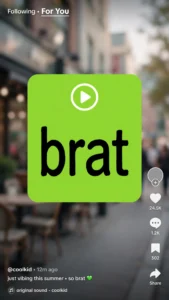
Video is a crowded place. Every creator fights for the first three seconds of attention, and most viewers decide whether to keep watching before the sound even kicks in. Brat text wins because it is readable instantly. Big, blunt, lowercase words do not ask for attention. They take it. When your text is the first thing eyes land on, you have already won half the battle.
It also matches how people actually watch. Most feeds start muted, so text carries the message before audio joins in. A brat-style caption works as a silent hook and a visual punch at the same time. That double duty is why these videos beat plain talking clips in the opening seconds.
Then there is the aesthetic itself. The raw, unpolished look signals honesty. It feels like a real person talking, not a brand selling. That feeling is exactly what the brat trend is built on, and it translates perfectly to short video.
Adding Brat Text: Step by Step
You need two things: your video clip and a free text video tool. The whole process takes under five minutes.
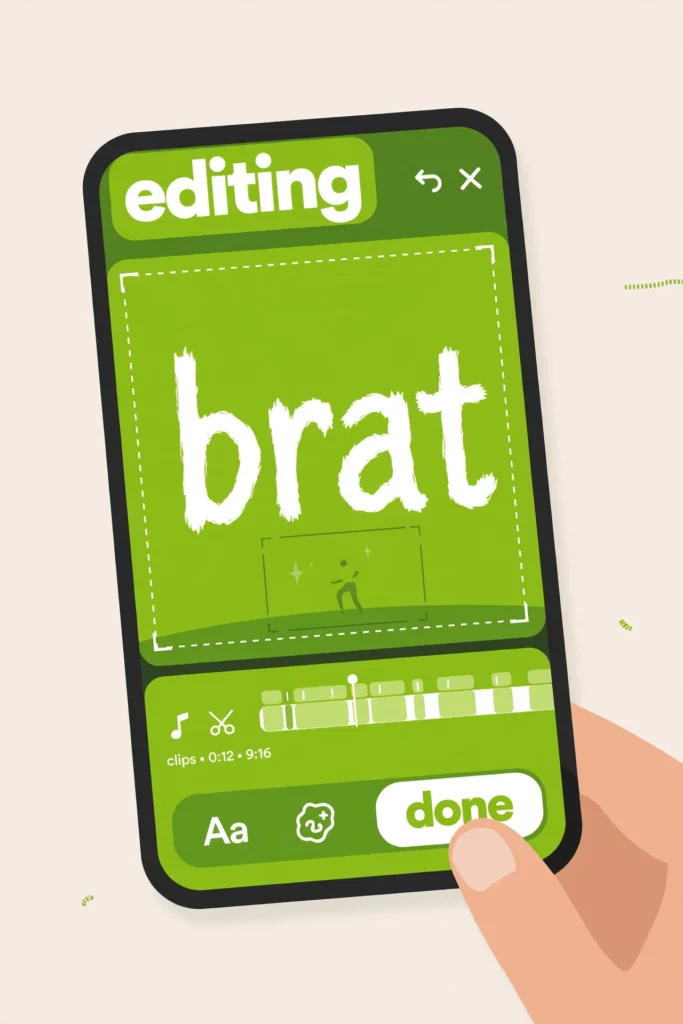
Step 1: Type your line. Open the brat video generator and type the words you want on screen. Keep it short. One punchy line beats a paragraph every time, and lowercase keeps the brat energy real.
Step 2: Pick your style. Choose a font, set your text color and background. Classic brat green with black text is the most recognizable combo, but any high contrast pairing works.
Step 3: Add movement. Pick an animation that fits the mood. Scroll for lyrics, glitch for attitude, bounce for playful energy. Preview it until the timing feels right.
Step 4: Download your video. Hit the download button and your video saves instantly. There are no format menus and no settings to pick. It is one simple download, ready to share. If you want the text over your own footage, layer the downloaded video over your clip in any free editor like CapCut and line it up with the moment it should hit.
Tips for Text People Actually Read
Size matters more than style. If viewers have to squint, they will scroll past. Make the text big enough to read on a phone held at arm’s length. When in doubt, go bigger.
Give each line time to breathe. Two to three seconds per line is the sweet spot. Flashing text too fast frustrates people, and leaving it too long kills the energy. Cut on the beat and it will feel musical even without perfect sync.
Contrast is non-negotiable. Dark text on light backgrounds and light text on dark backgrounds. Fancy color combos look great in the editor and disappear in the feed. Test on your own phone before posting.
Where to Post Your Brat Videos
TikTok is the natural home. The format was born there, and the algorithm loves the replay behavior that looping text videos create. It is also the perfect format for lyric videos. Post consistently and let the format do the work.
Instagram Reels and YouTube Shorts take the exact same file. Export once in vertical 9:16 and upload everywhere with zero changes. One video, three audiences. Start from the free brat generator whenever you need a fresh one.
Common Mistakes to Avoid
The biggest mistake is too much text. A wall of words on a seven second video helps nobody. One line, one idea, one punch. If your sentence needs a second breath, cut it in half and make two videos instead.
Next is bad timing. Text that appears a full second late feels broken, even when everything else is perfect. Watch your video twice before posting and nudge the text until it lands exactly on the beat or the spoken word.
Last is forgetting the silent viewer. If your message only works with sound on, half your audience misses it. Brat text is your safety net. Make sure the text alone tells the story, and the audio becomes a bonus instead of a requirement.